Vault
An encrypted file vault for law firms.
Case files, client documents and internal papers are encrypted in the lawyer's own browser before they are uploaded. The server stores only scrambled data that nobody at Cyprus Connect can read.
For: Law firms
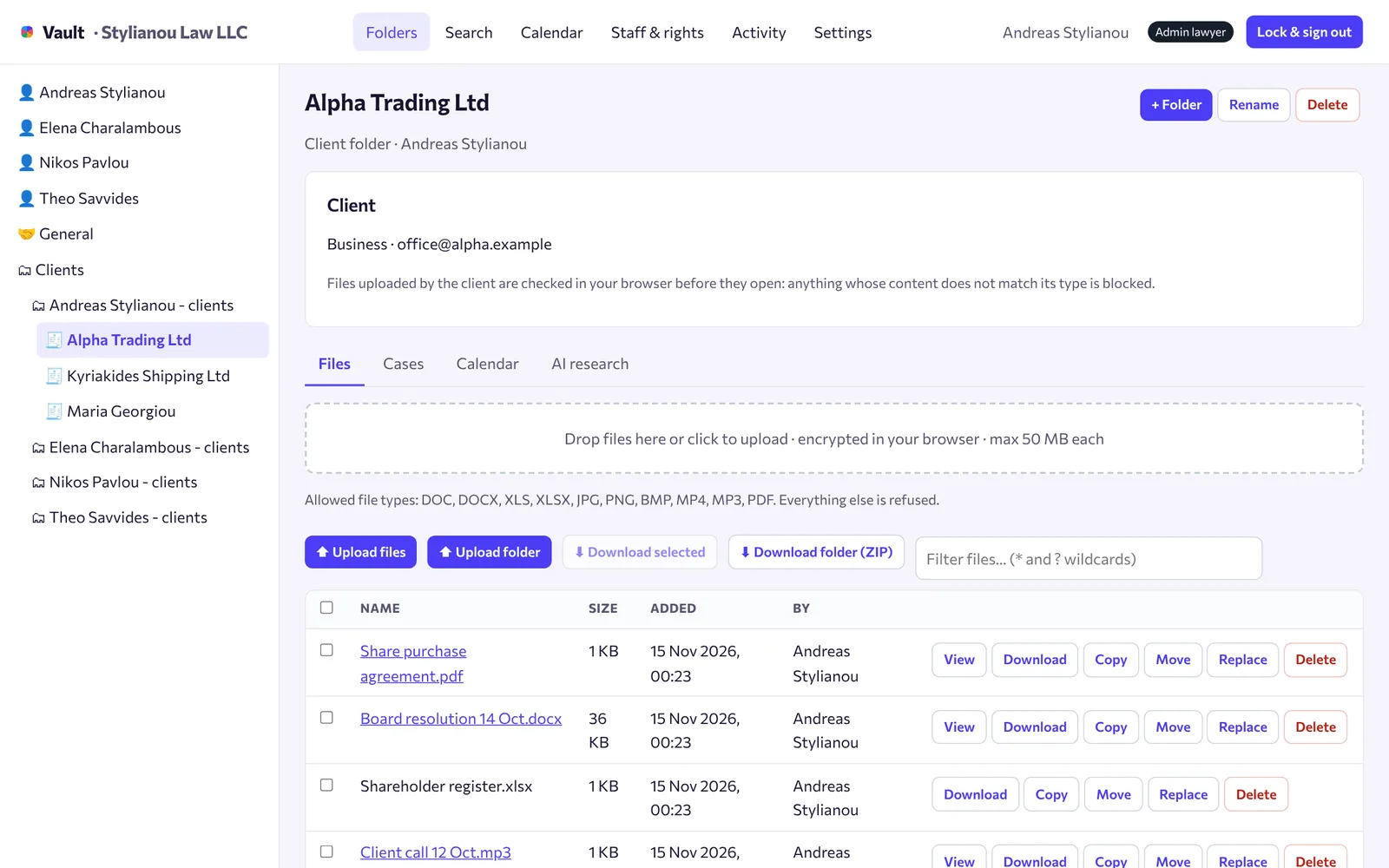
How it works, step by step
Real screens from Vault, using a demo firm.
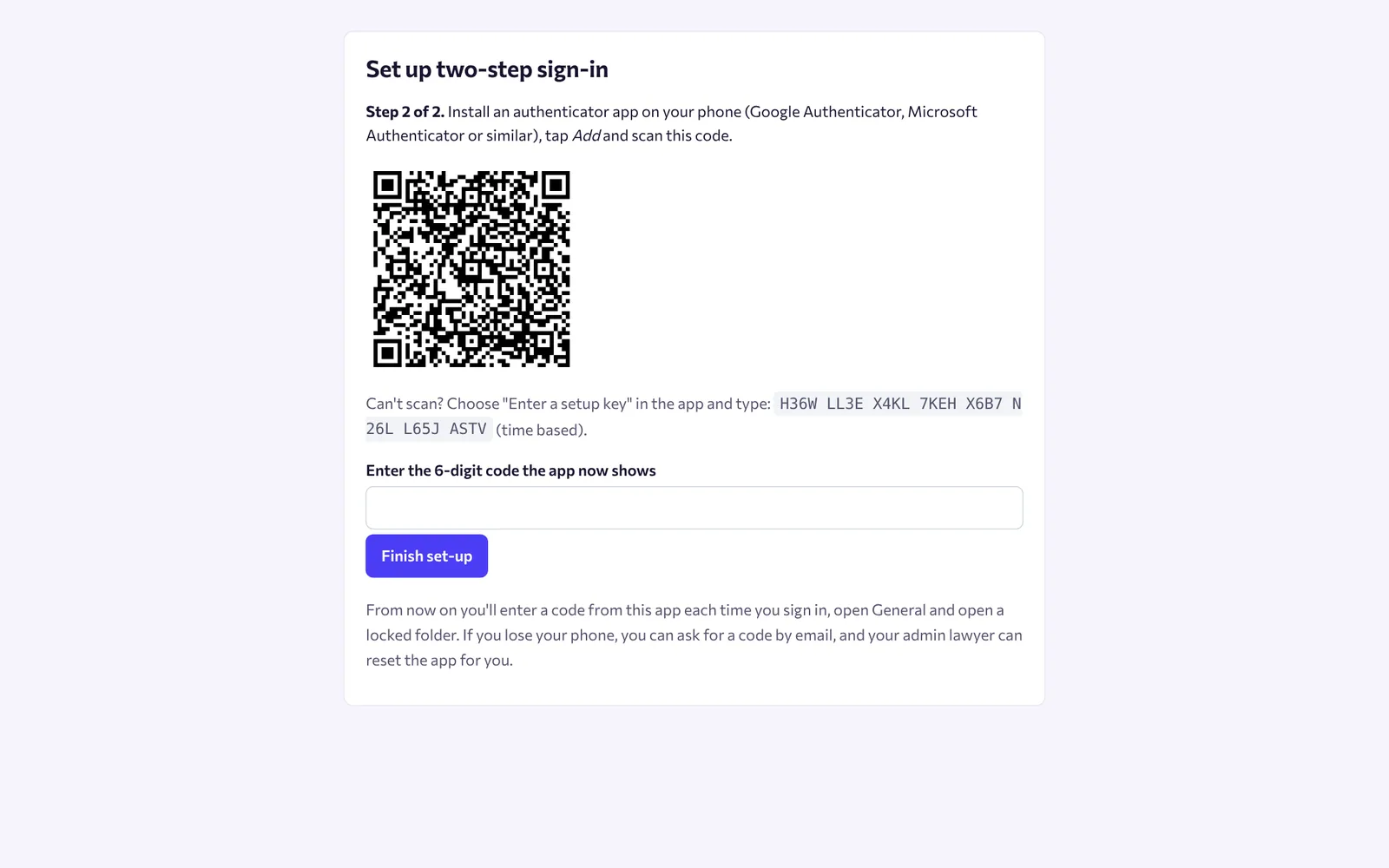
Sign in with a code from your phone
Every lawyer and member of staff signs in with a password and a 6-digit code from an authenticator app. The first time, we email a code to prove the mailbox is yours, then you scan a QR code.
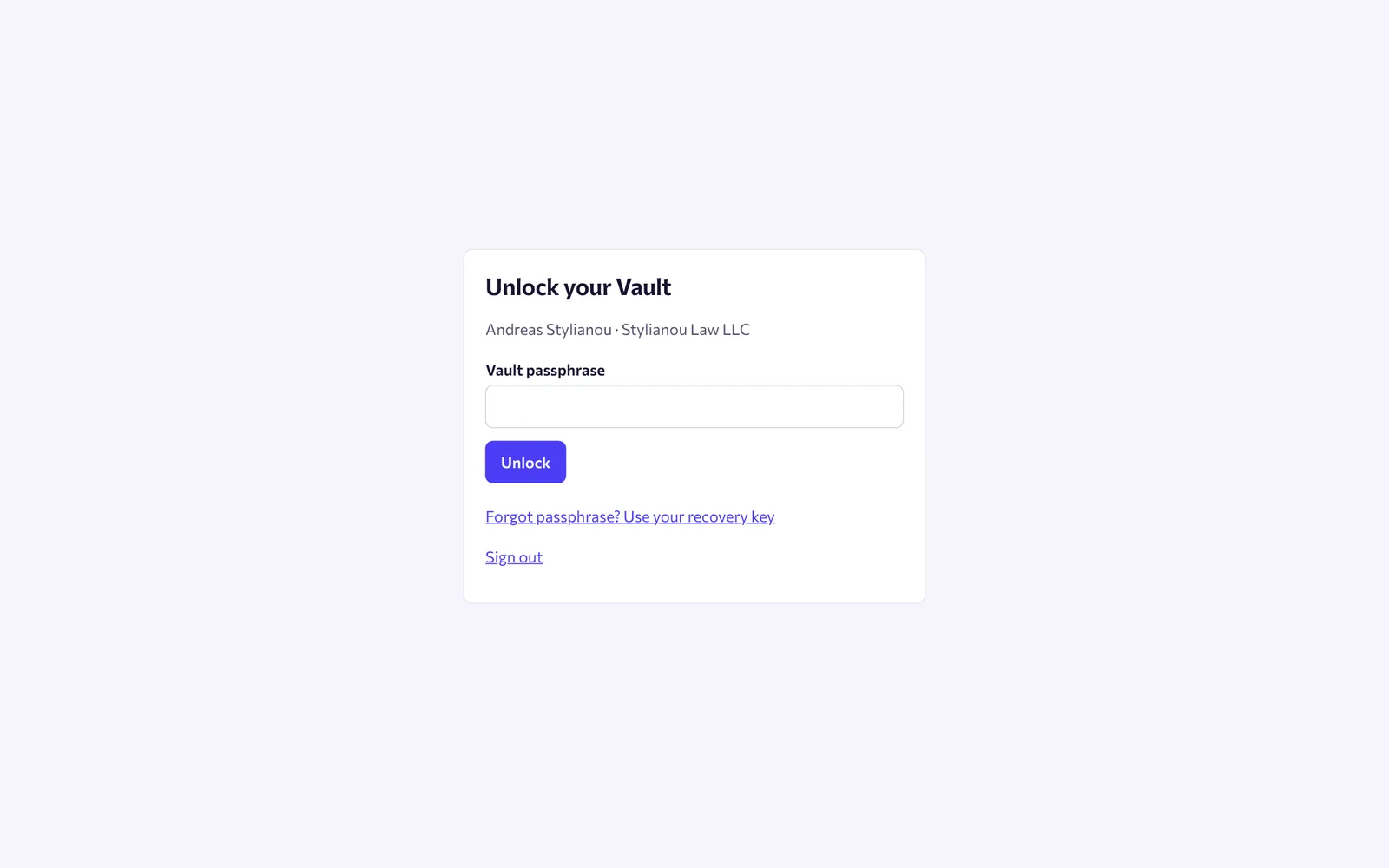
Unlock your Vault with your passphrase
Your passphrase creates your own encryption keys inside the browser. It never leaves your computer, and you get a recovery key to keep somewhere safe.
Keep each client in its own folder
Create folders for individual and business clients, with sub-folders for each matter. Drag files in: each one is encrypted before upload and opens in the browser, including PDF, Word, images, audio and video.
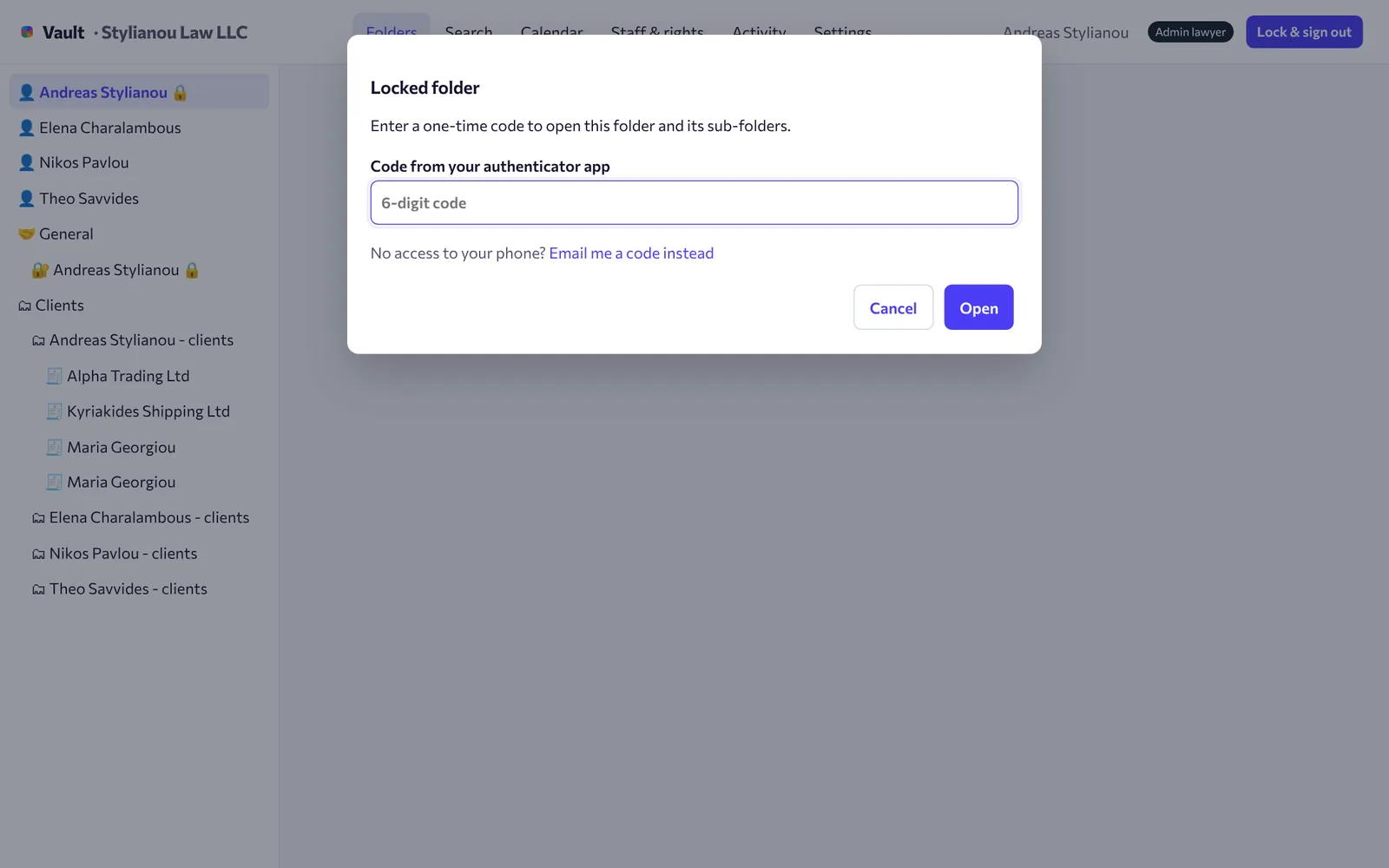
Lock private folders with a code
Personal folders open only with a fresh code from the phone, even when the Vault is already unlocked. Add an optional folder password for a second layer.
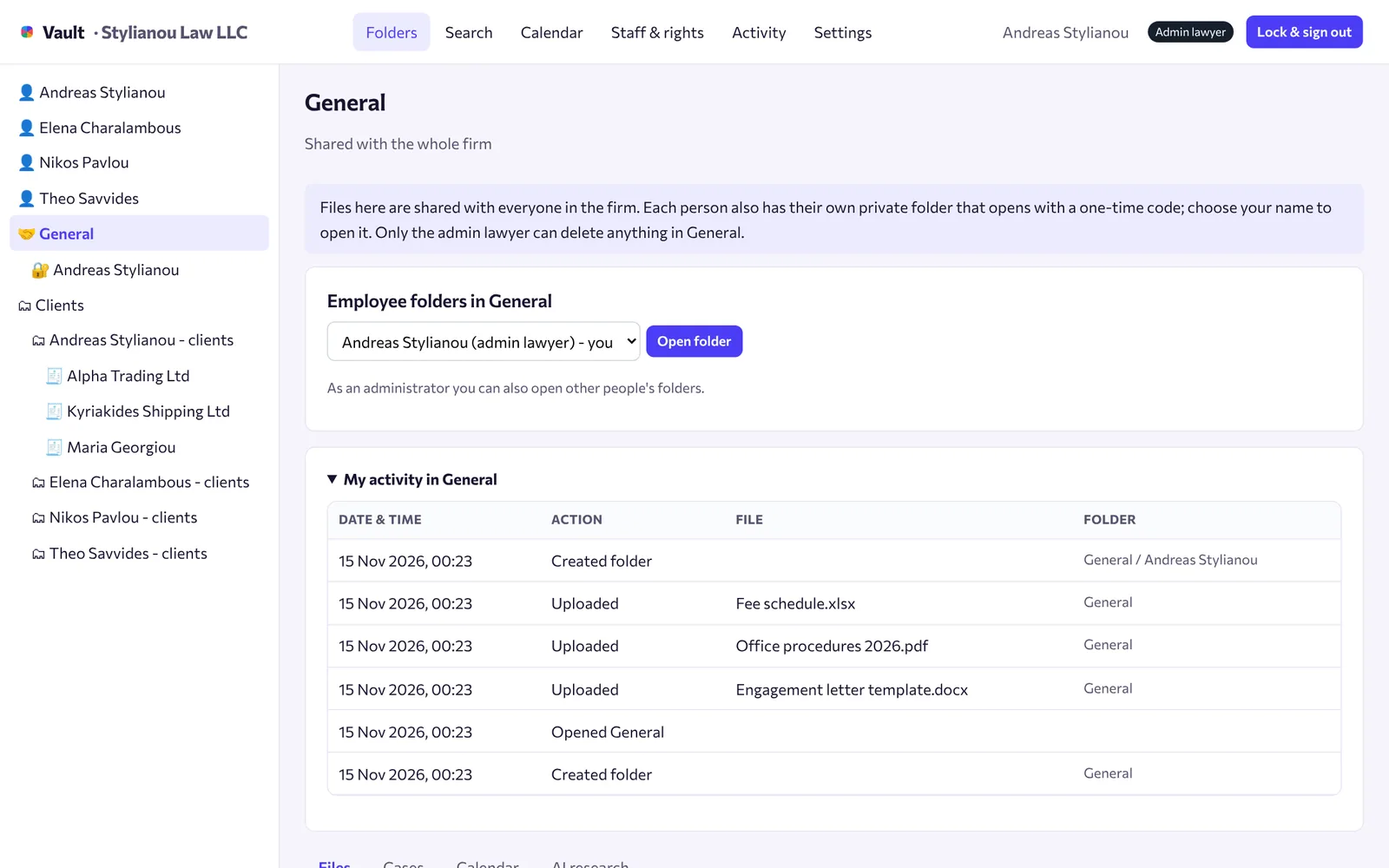
Share in General, with a log
General holds the files everyone in the firm needs, plus a private folder for each person. Opening General needs a code, and every view, download, copy and move is logged.
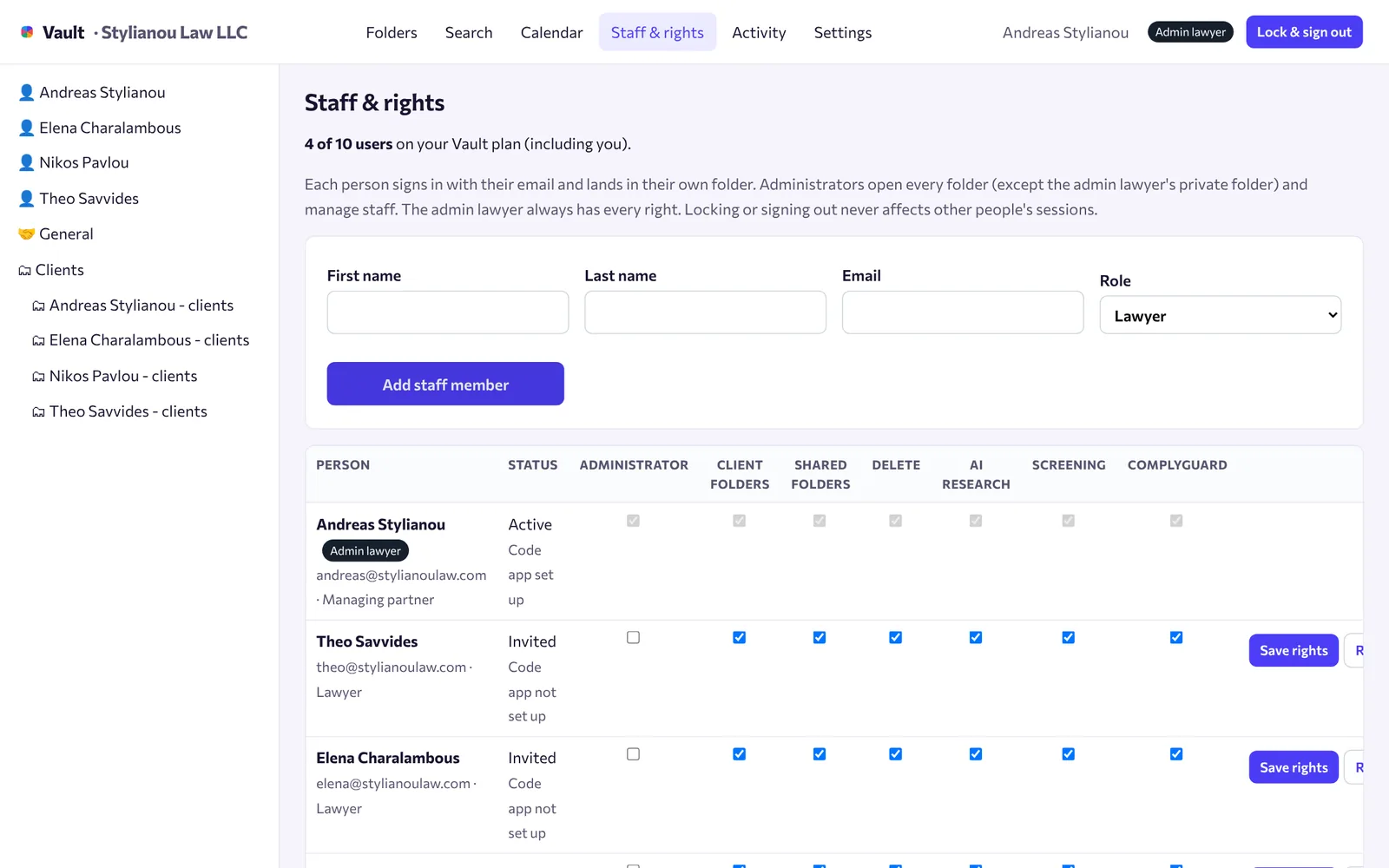
Add staff and choose their rights
The admin lawyer invites staff by email and decides who can manage clients, delete files, use AI research or run screening. The admin lawyer keeps oversight of every staff folder.
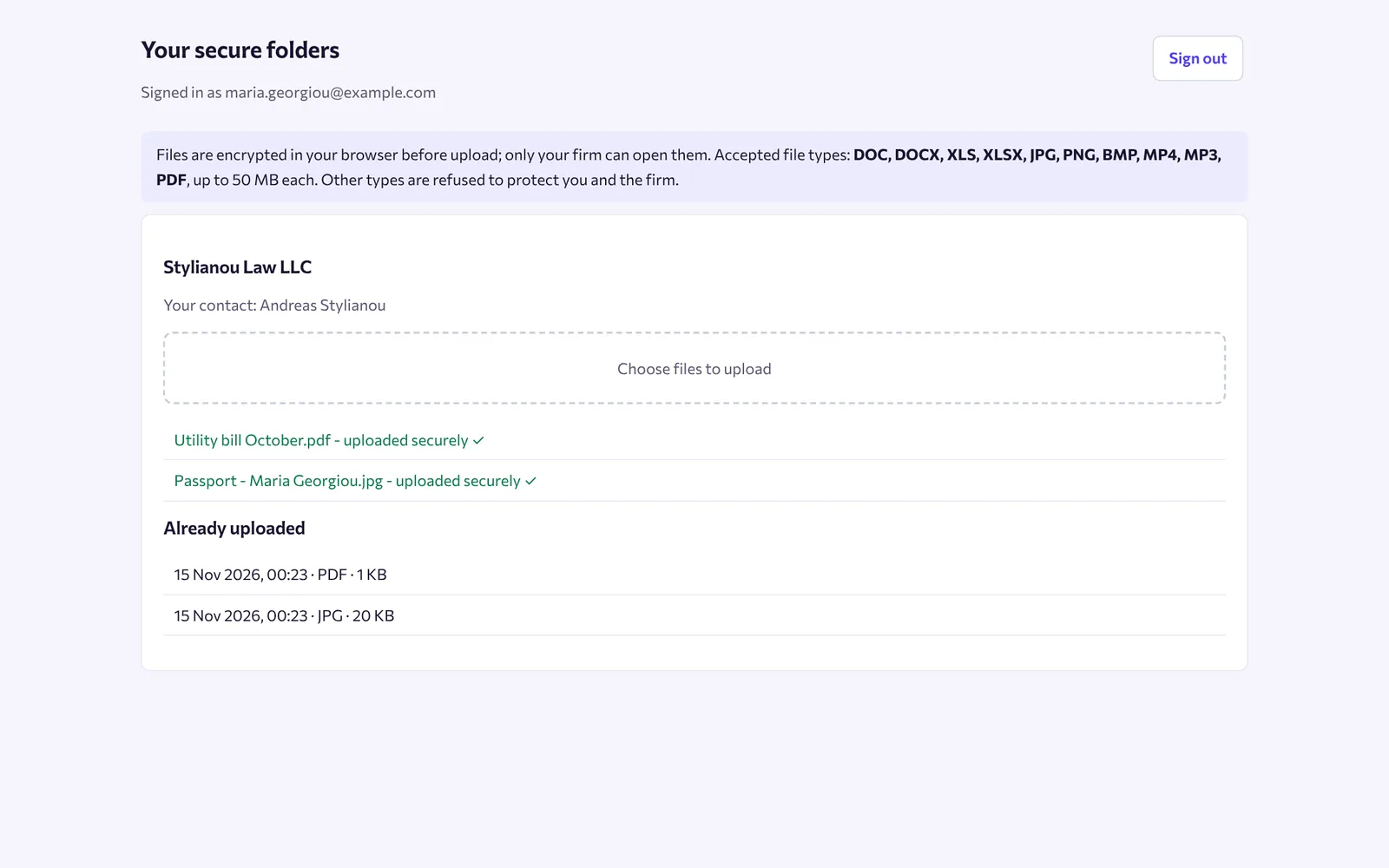
Let clients upload documents
Invite a client by email. They sign in with their password and an emailed code, create a folder in their name and upload ID and documents straight into your Vault.
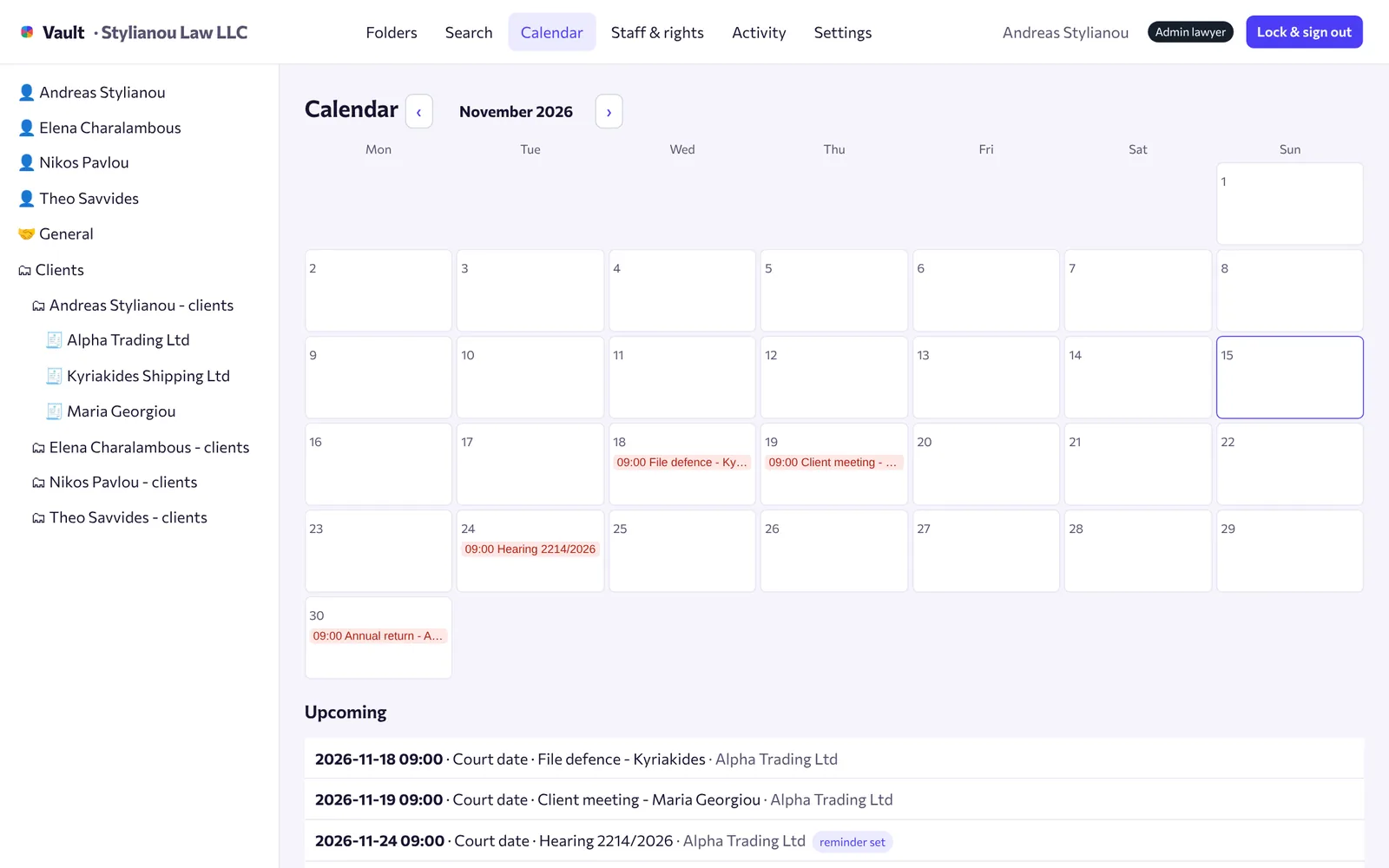
Never miss a deadline
Court dates, filings and renewals go into the calendar, with email reminders to the people who need them.
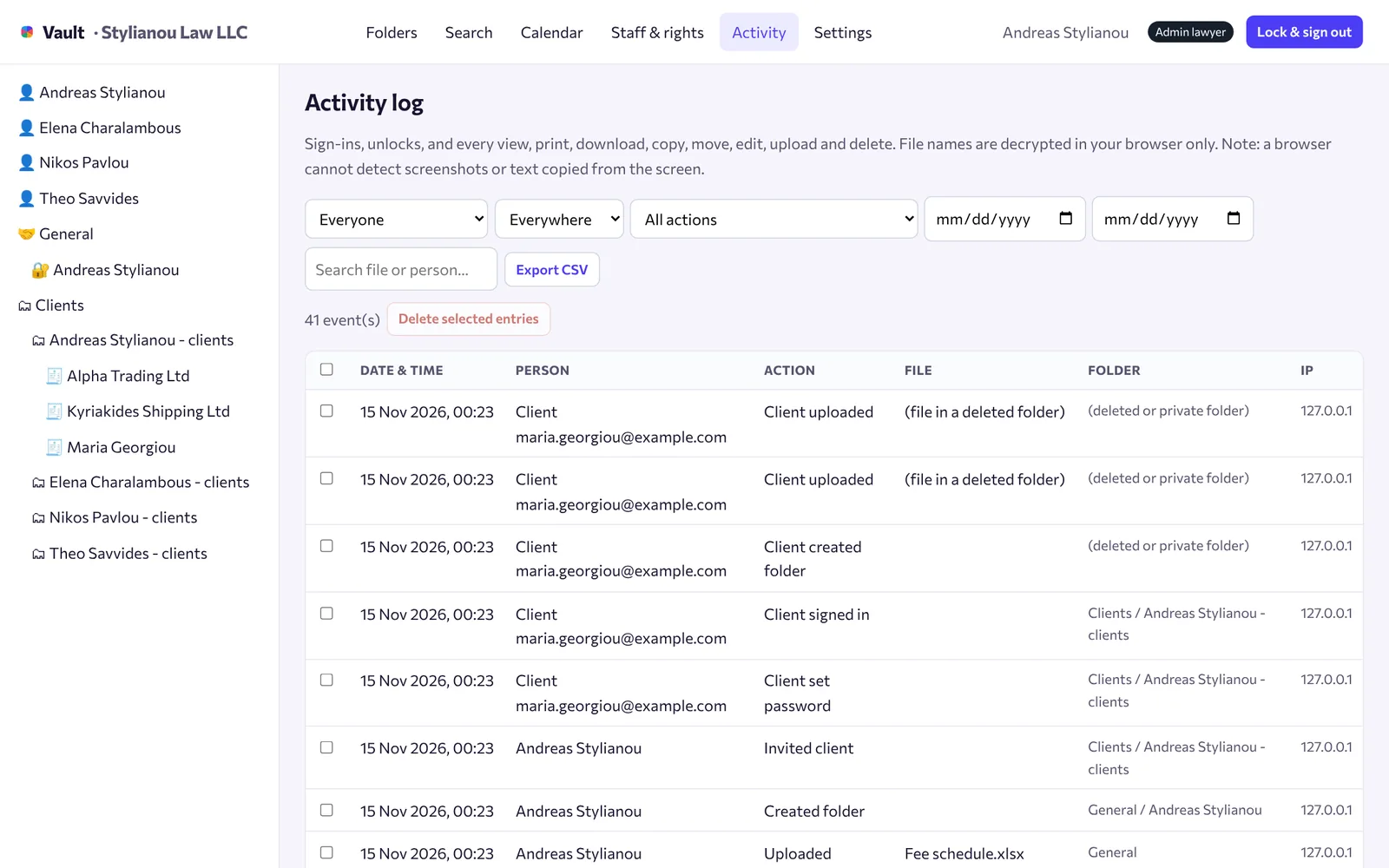
See who did what
The activity log shows sign-ins, views, prints, downloads, copies, moves, edits and deletions. Filter by person or action and export it as CSV.
What's included
Encrypted end to end
AES-256 for every file, with keys only your team holds.
Two-step sign-in
Password plus authenticator code for every user, with an email backup.
Locks itself
After 10 minutes without activity, separately for each person.
Case search
Find clients and matters with wildcard search across your records.
Masked AI research
Find similar past cases. Names and details are masked and you approve the text first.
Folders in and out
Upload whole folders and download a folder or selection as ZIP.
Questions
Can Cyprus Connect read our files?
No. Files are encrypted in your browser with keys made from your passphrase. We store only the encrypted data and have no way to decrypt it.
What if someone forgets their passphrase?
At set-up each person gets a recovery key. Keep it safe: without the passphrase or the recovery key, encrypted files cannot be opened by anyone.
What if a phone is lost?
The person can sign in with a code sent by email, and the admin lawyer can reset their authenticator app from Staff & rights.
Which files can we upload?
PDF, Word (DOC, DOCX), Excel (XLS, XLSX), JPG, PNG, BMP, MP4 and MP3. Files are checked by their content, and files with macros are refused.
How many users can we have?
Up to 20 users per firm, priced in four bands by the number of employees.
Start using Vault
Create your firm's account. We approve every firm before access is switched on.